
HOVERBOARD HAVOC
A downloadable game for Windows
About This Game
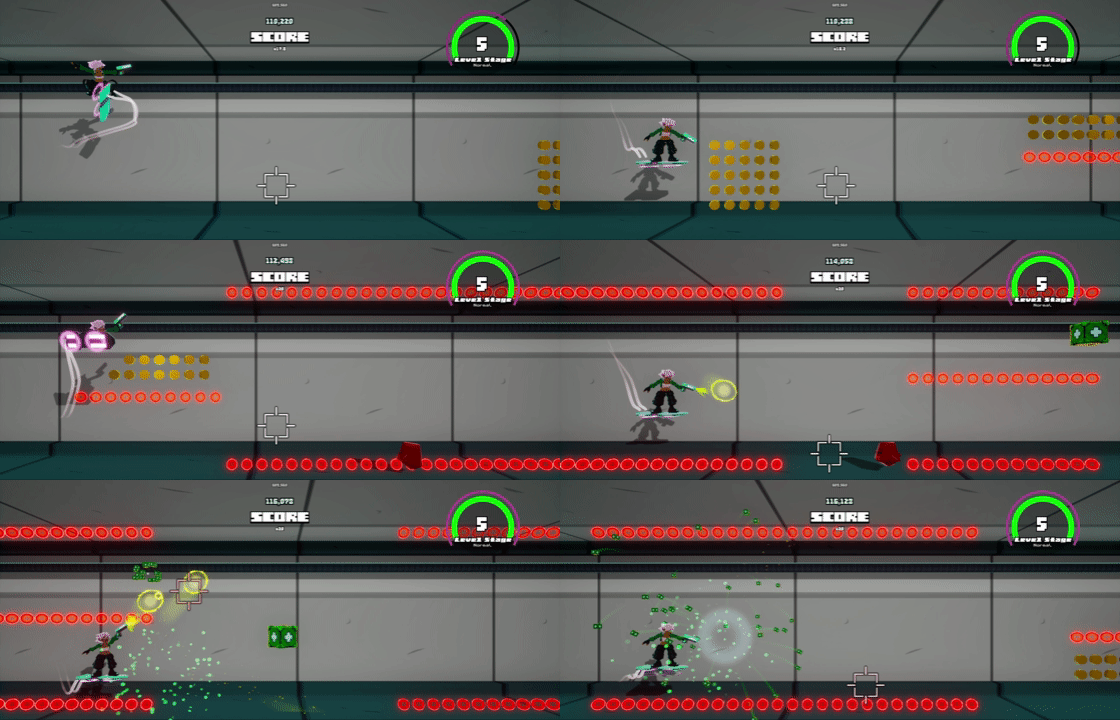
How Far Will You Go?
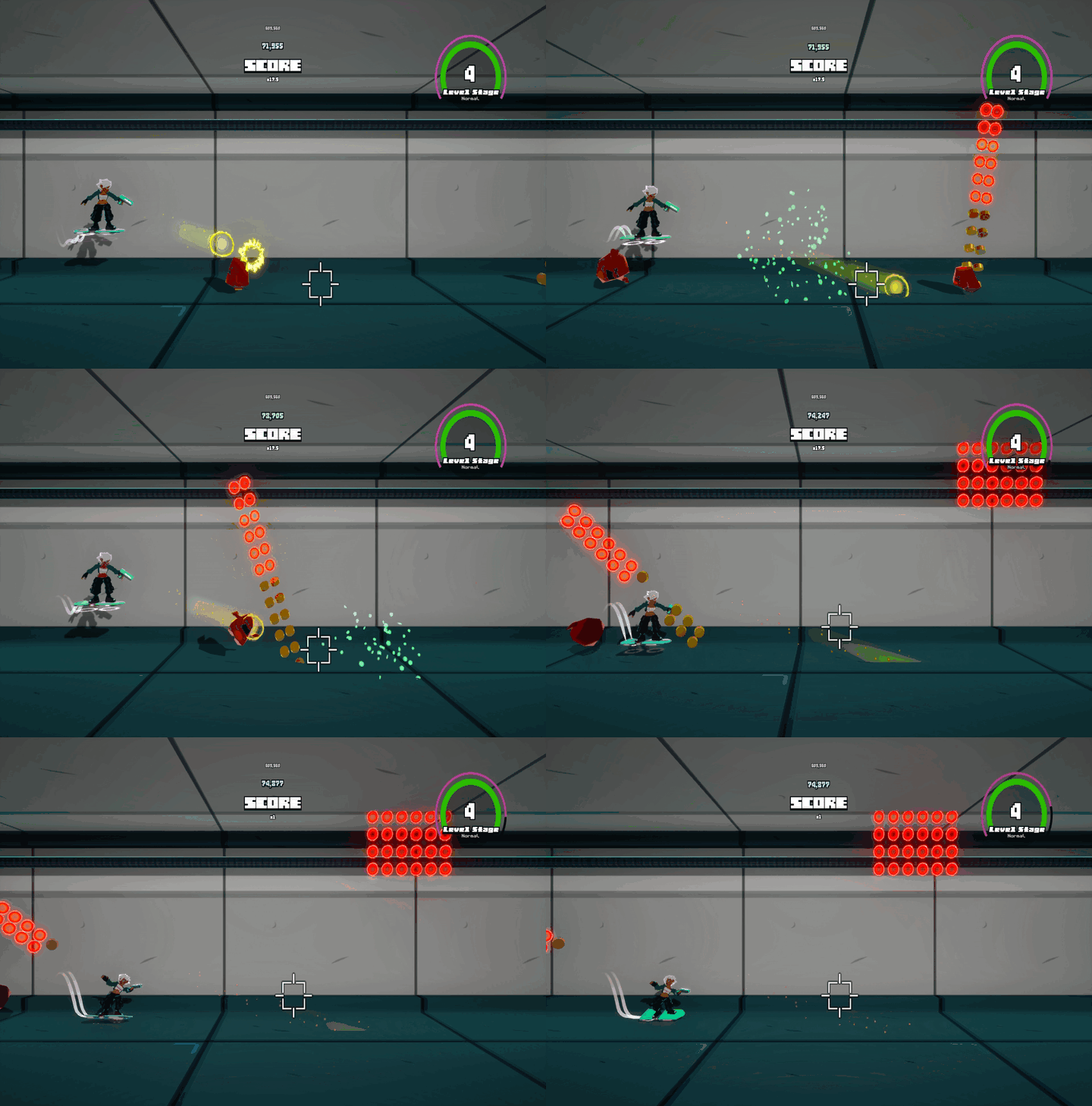
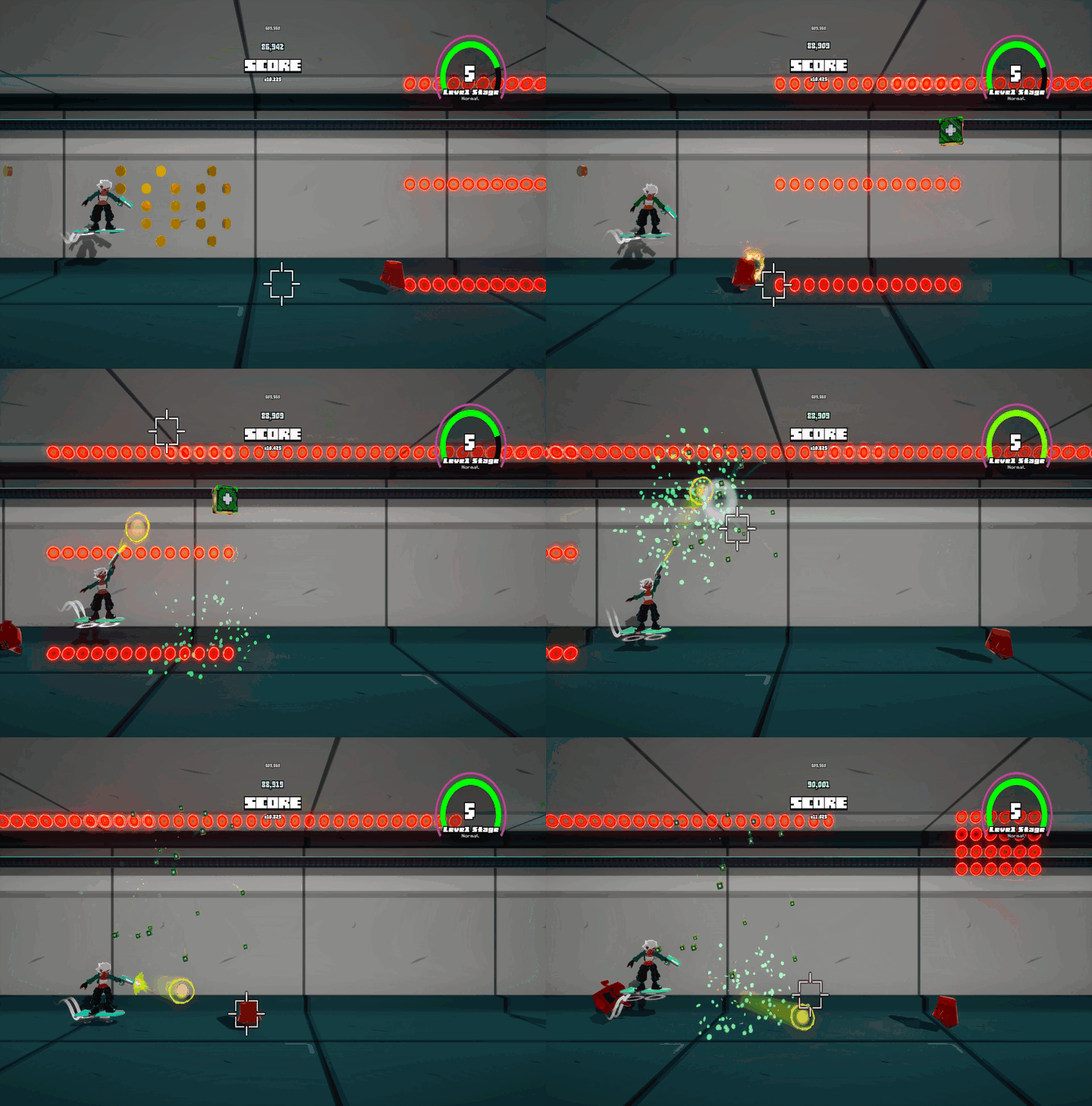
Keep yourself afloat on your hoverboard while dodging superheated plasma obstacles and meatball dude science experiments escaping. Most importantly, get the highest score you can!

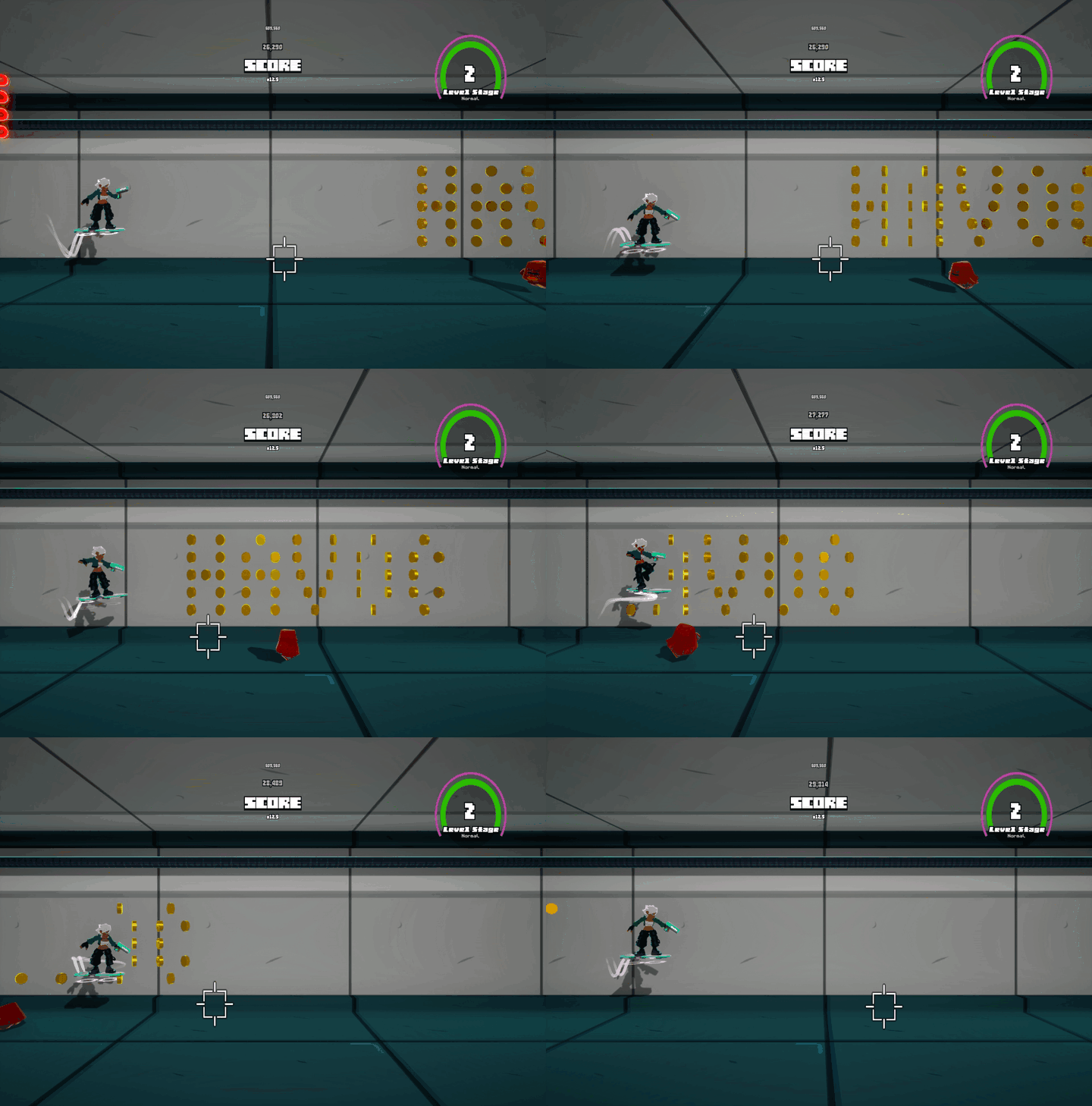
Snag Some Coins & Do It With Style
Do tricks to build up a dodge meter that will automatically save your skin in a tight spot, and also build up your score multiplier. Pick up coins, blast some meatballs, and stay alive to build up your score.
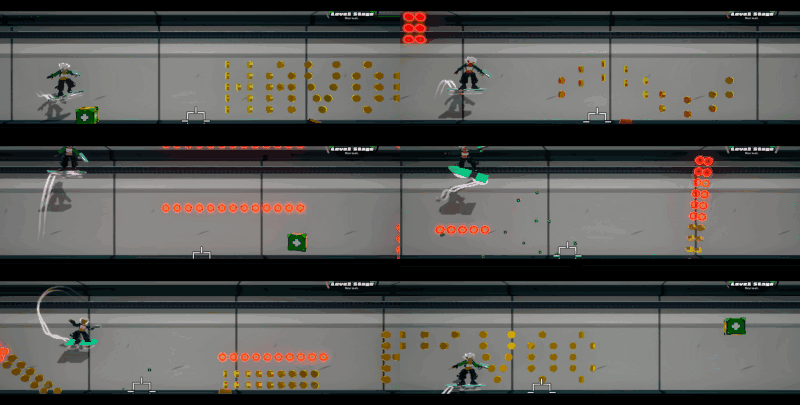
Multiple Difficulties
You can choose between Normal, Hard, and Very Hard to your taste. Normal will still require you to lock in, and Very Hard isn't for the faint of heart since you'll die in one hit!
About The Project
This game was made as part of my work doing the 20 Games Challenge, but it took more of a different direction. When tasked to recreate Jetpack Joyride I wondered, what if you could actually aim your shots? Since this is a small scale educational project, I don't expect to add too many updates unless it really gets interest for whatever reason.
System Requirements
This game was play tested on a standard launch Steam Deck LCD at 1280x800 max settings running at a steady 60fps running off an SD Card with GE Proton 10_38, so if your setup matches or exceeds the Steam Deck you should be good to go!
Important Info
Where are scoreboard screenshots saved?
They're saved to the Pictures/Screenshots/HoverboardHavoc folder on your C:/ drive.
Where are the saves stored?
UE5 automatically saves to ~/Appdata/Local/HoverboardHavoc.
Why am I getting a virus warning?
Microsoft automatically flags any unsigned exes as potential threats, unless you pay a Certificate Authority money to be able to sign your software. I don't have that money, so I can't sign. You can add the install folder for your itch games to your virus exclusion (or the folders of individual games) at your own risk.
To stop virus warnings go to Windows Security > Virus & threat protection > Virus & threat protection settings (Manage Settings) > Exclusions (Add or remove exclusions) > + Add an exclusion (folder) > Navigate to game's install folder and select it (or select your whole itch library install location for future games).
Why isn't [insert feature] here?
The game is too small in scope to do too much QOL as a solo dev and amateur programmer, I tried to make the control scheme as fitting for the gameplay as possible and do the most important settings.
How do I input text with a gamepad?
Hoping to make an ingame keyboard in the future if the game gets any interest. For now just use a keyboard or add the game to Steam as a non-steam game so you can use Guide Button + X.
I found a bug, where do I tell you?
Just leave a comment, please be detailed in what was happening. If it's gamebreaking I'll come back and fix it, even if I'm not doing updates!
I have a balance change suggestion!
Leave a comment, I don't have too many playtesters so I made the game as balanced as I could for myself, so I want to know what you found too easy/hard!
Assets Used
Voices
Super Dialogue Audio Pack - Dillon Becker
Vera - Karen Cenon
Sound Effects
Interface Bleeps - Bleeoop
Sci-FI Weapon Starter FX - SampleKingdom
Music
"Pink Bloom" Pink Bloom, DavidKBD
Fonts
Thaleah - Rick Hoppmann
UI
Gamepad UI / Controller Prompts Pack - greatdocbrown
Download
Click download now to get access to the following files:
Leave a comment
Log in with itch.io to leave a comment.